Hapax exports: 16 drum lanes, and the rest ready to go
MIDI Guide's Hapax instrument definitions now fill all 16 drum lanes
October 21, 2026
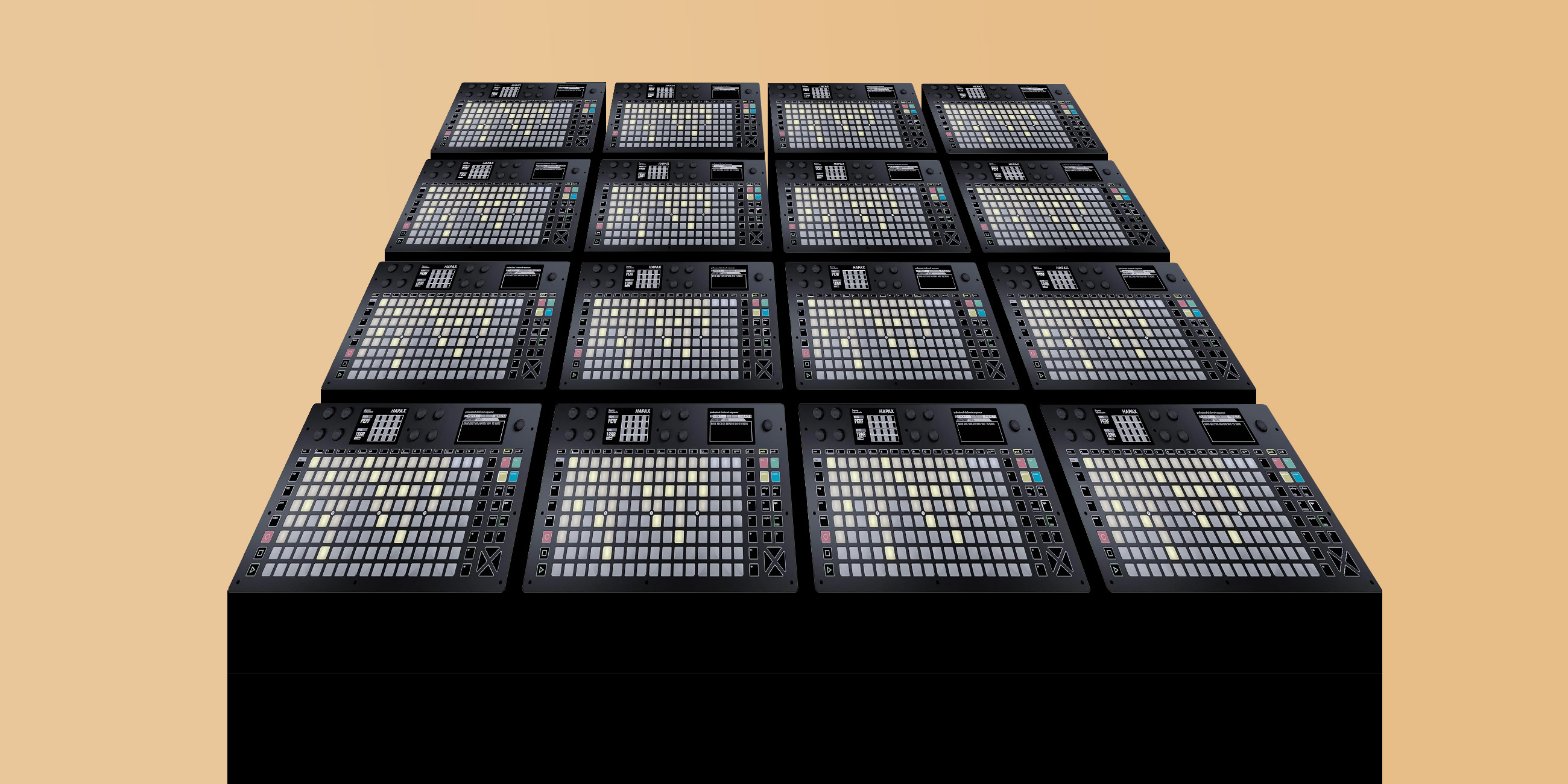
Squarp's latest HapaxOS (3.22) doubles the number of drum lanes on a DRUM track, from 8 to 16. MIDI Guide's Hapax exporter has been updated to match.
If a device has a drum map, its Hapax instrument definition now fills up to 16 lanes with the device's sounds, in the order they appear on the device's page.
Some drum machines have more than 16 sounds. Until now, the extras were listed as plain text in the definition's [COMMENT] section, where you could read them on the Hapax but not do much else with them. Now, they're written inside [DRUMLANES] as commented-out lanes, right after lane 16:
[DRUMLANES]
1:NULL:10:36 Kick
2:NULL:10:38 Snare
...
16:NULL:10:51 Ride
#XX:NULL:10:52 Crash 2
#XX:NULL:10:54 Tambourine
[/DRUMLANES]
The Hapax ignores any line that starts with #, so these extra lines don't affect the track. To swap a sound in, open the definition in a text editor, replace #XX with the row number you'd like it to occupy (1 to 16), and delete or comment out the lane that was there before. The channel, note number, and name are already filled in.
While I was in there, I refreshed the comments in the template to reflect what HapaxOS now accepts: the POLYAT and AFTR track types, virtual USB MIDI cables (USBD1 through USBD16, and the same for USBH), and the MAXRATE setting. Nothing about the exported data changed for devices that only have MIDI CCs and NRPNs.
(Hat tip to BK for contributing these edits!)
To get an updated definition, find your device on MIDI Guide and tap "Hapax". If you spot anything odd in the result, open an issue or email me at midi@midi.guide.
–Ben