Adding support for the Novation Launch Control XL 3
February 5, 2026
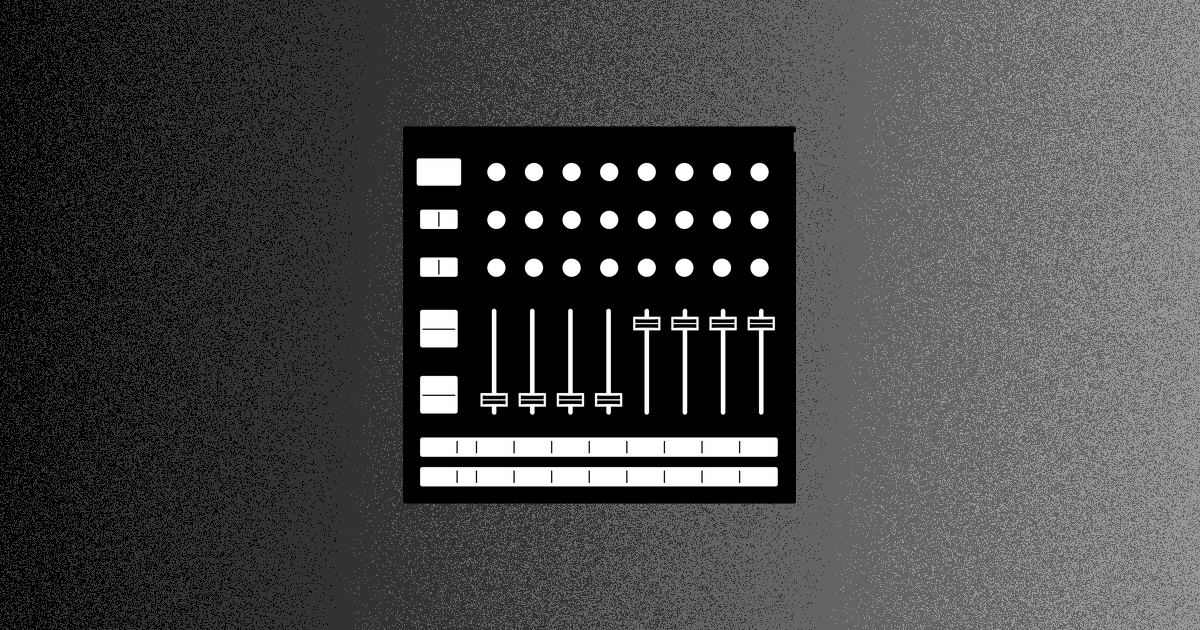
In January 2026, Novation announced firmware v1.1 for the Launch Control XL 3. This is the first major firmware update for the device since its release in mid-2025. Included in the matching update to Novation's Components companion app are 14 "Custom Modes" that tie the Launch Control XL to different facets of popular devices: one for using a Digitone as a mixer, another for using an Octatrack for effects, etc.
If your needs match what Novation built for you, you'll love these. And if you have different hardware, or a different use case, you can of course build your own custom mode from scratch.
But building a custom mode in Components can be painstaking. Once you choose an ecoder/fader/button, you give it a name, choose its message type, enter its CC or NRPN number, enter its min and max valid values, its MIDI channel, and so on. The Launch Control XL offers 48 controls; for a big board, that's a lot of clicking.
MIDI Guide has the data you need to do this - thanks to its amazing community, 238 synths are documented as of this writing - and I thought it would be nice to not have to copy and paste from the project website into Components. Why not let visitors design a custom mode right inside MIDI Guide?
So I built a configurator for the Launch Control XL 3. With a few taps (and NO copying and pasting!), you can build a custom mode for your Launch Control XL that controls all your synths on as many MIDI channels as you like. Then, you can download your custom mode's sysex, upload it into Components, and load it onto your Launch Control XL. If you need to fine-tune your custom mode after you download it from the MIDI Guide configurator, you can do so in Components - change light colours, give buttons non-MIDI behaviours, etc.
To start building your custom mode, find your synth on MIDI Guide, and then tap "Launch Control XL". Here's the link for the Peak:
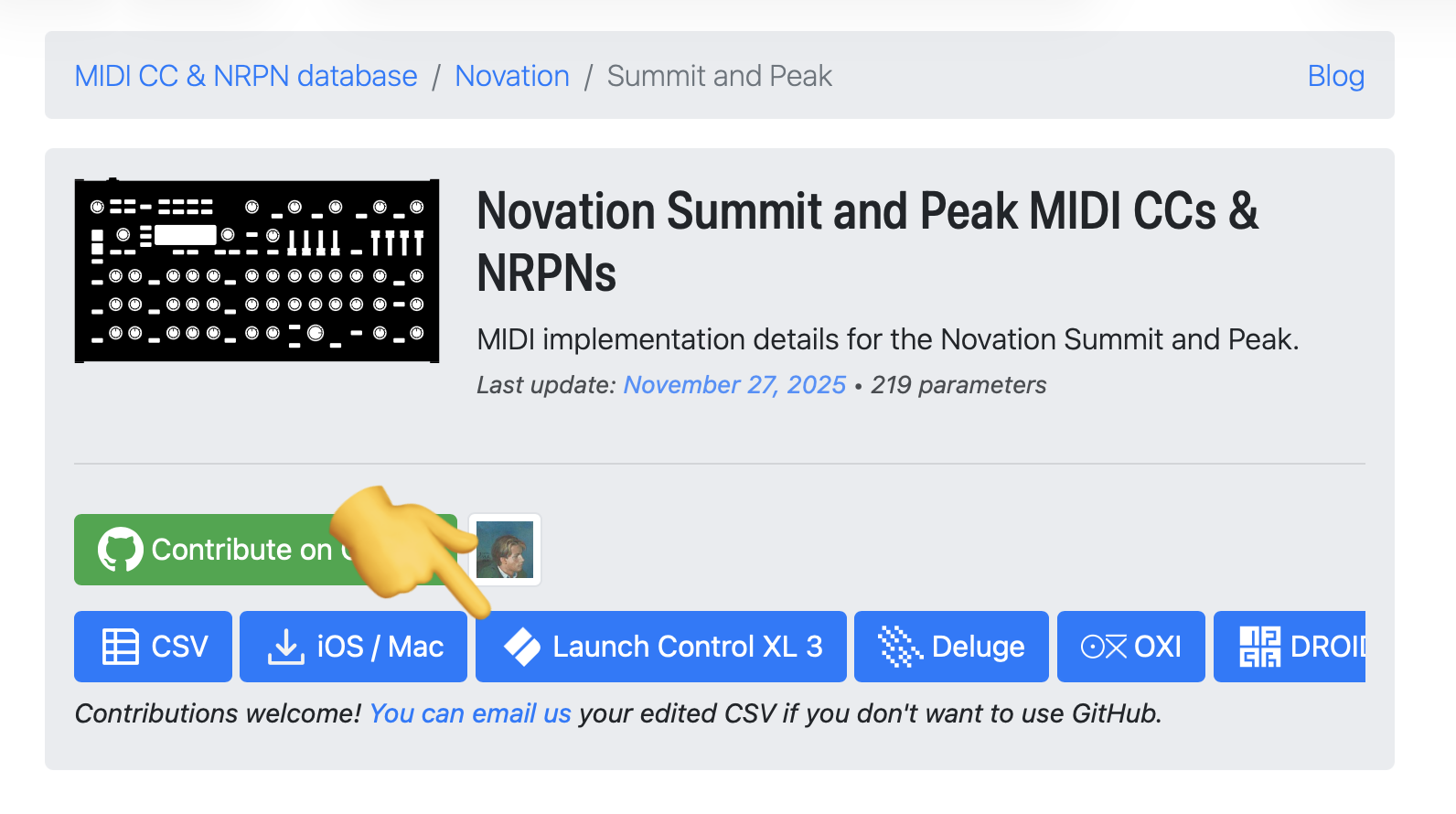
Once you've built and downloaded your Custom Mode here, upload it into Novation Components to change light colours, do non-parameter assignments (MIDI notes, keystrokes, etc.), and load it onto your Launch Control XL 3.
Hope this helps you get even more out of your Launch Control XL! And if you have another controller (Novation or otherwise) you'd like this functionality for, email me at midi@midi.guide.
– Ben